Never Forget
What You've Read
BookNotion automatically collects your Kindle highlights, brings them back so you can review them, and puts them to work in Notion.
What you can keep
- Kindle
- Paper books
- Manga
- Web articles
- X bookmarks
- on the App Store
- ★ 4.6
- readers
- 70,000
- highlights saved
- 16M+
Collect, review, use
Three steps to keep the best parts of what you read.
01 Collect
Everything you read, in one library
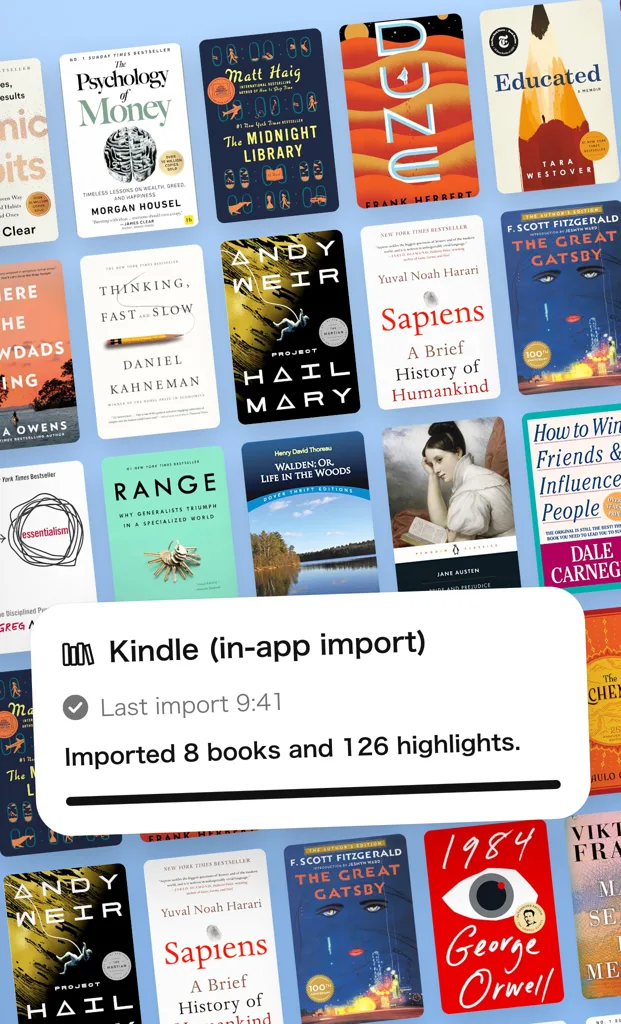
Kindle highlights, automatically
- On a computer, the Chrome extension imports every hour
- On iPhone, iPad and Android, the app imports each time you open it
- Covers and authors come along. Highlight on any device
Beyond Kindle
Mobile
Paper books
Snap a page and trace the passage.
Mobile
Books you can’t highlight, and manga
Share a Kindle screenshot to save it.
Safari extension
Web articles
Select text in Safari to save it.

Z Plan
X bookmarks
Imported automatically once a day.
02 Review
Back just as you start to forget
BookNotion brings back the highlights you're forgetting.
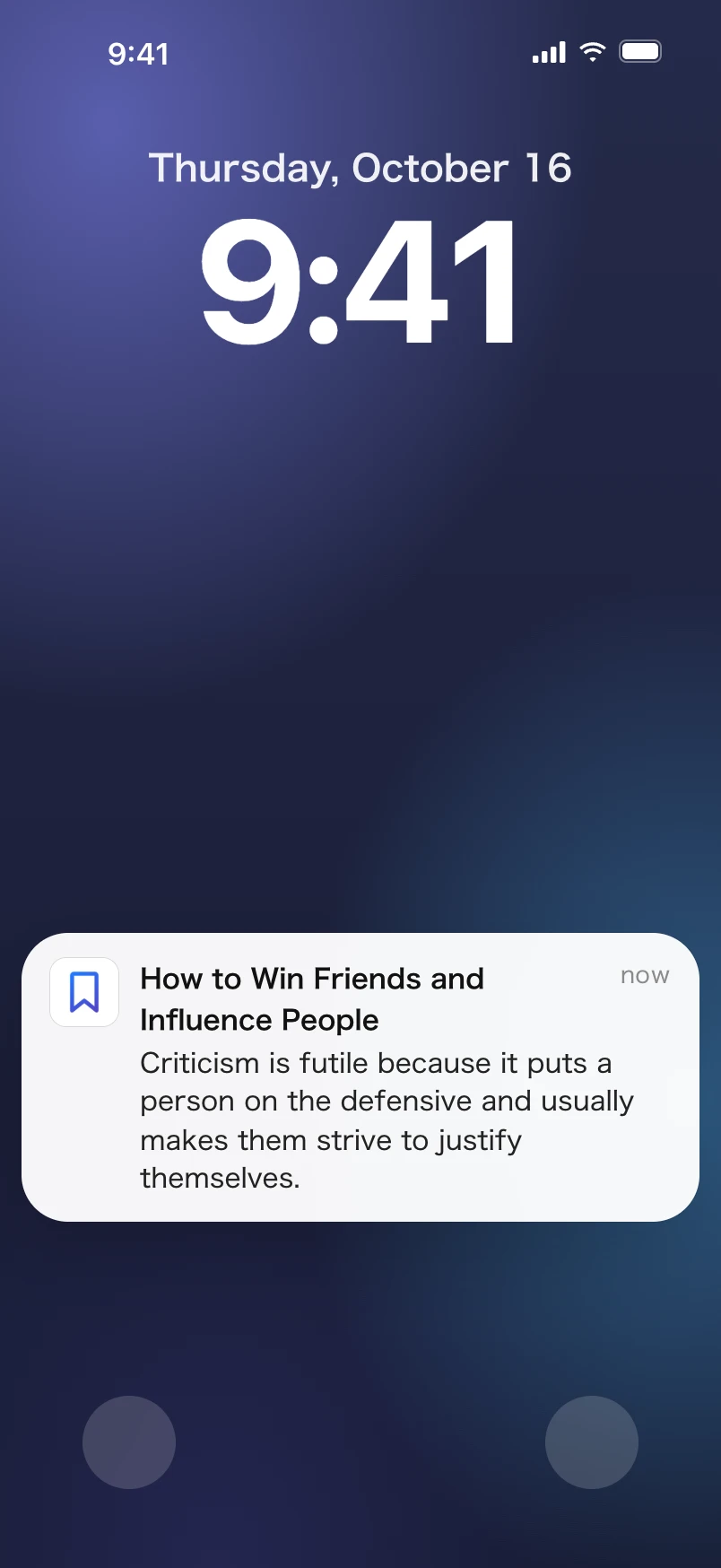
In your notifications
Delivered to your phone at the time you choose.
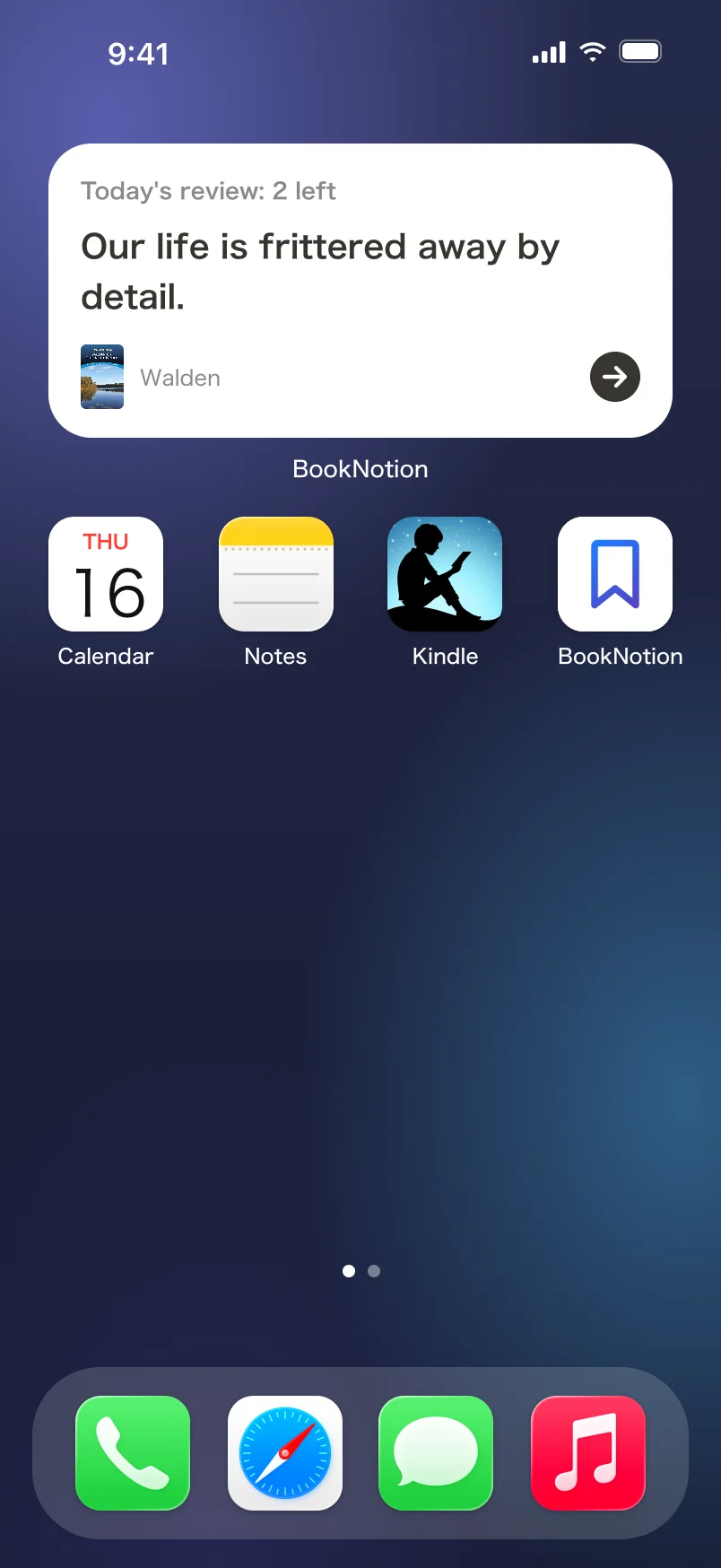
A line on your Home Screen
A widget puts a line from your books on your Home Screen.

BookNotion8:00
To: me
Your highlights this month (3 books, 12)
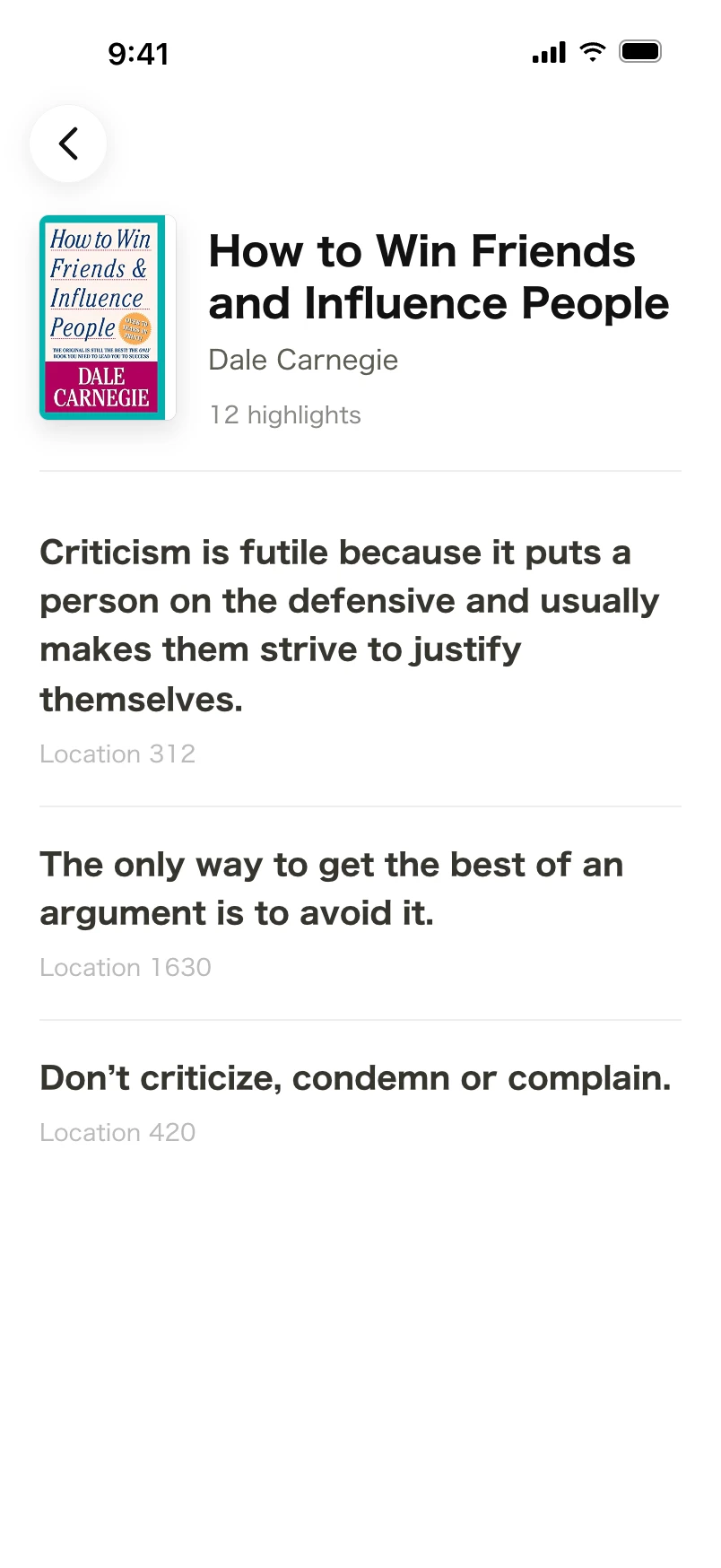
How to Win Friends and Influence PeopleDale Carnegie
Criticism is futile because it puts a person on the defensive.
Don’t criticize, condemn or complain.
Open in BookNotion
By email too
A monthly roundup in your inbox.
Book by book
Reread each book's highlights in page order.
03 Use (Z Plan)
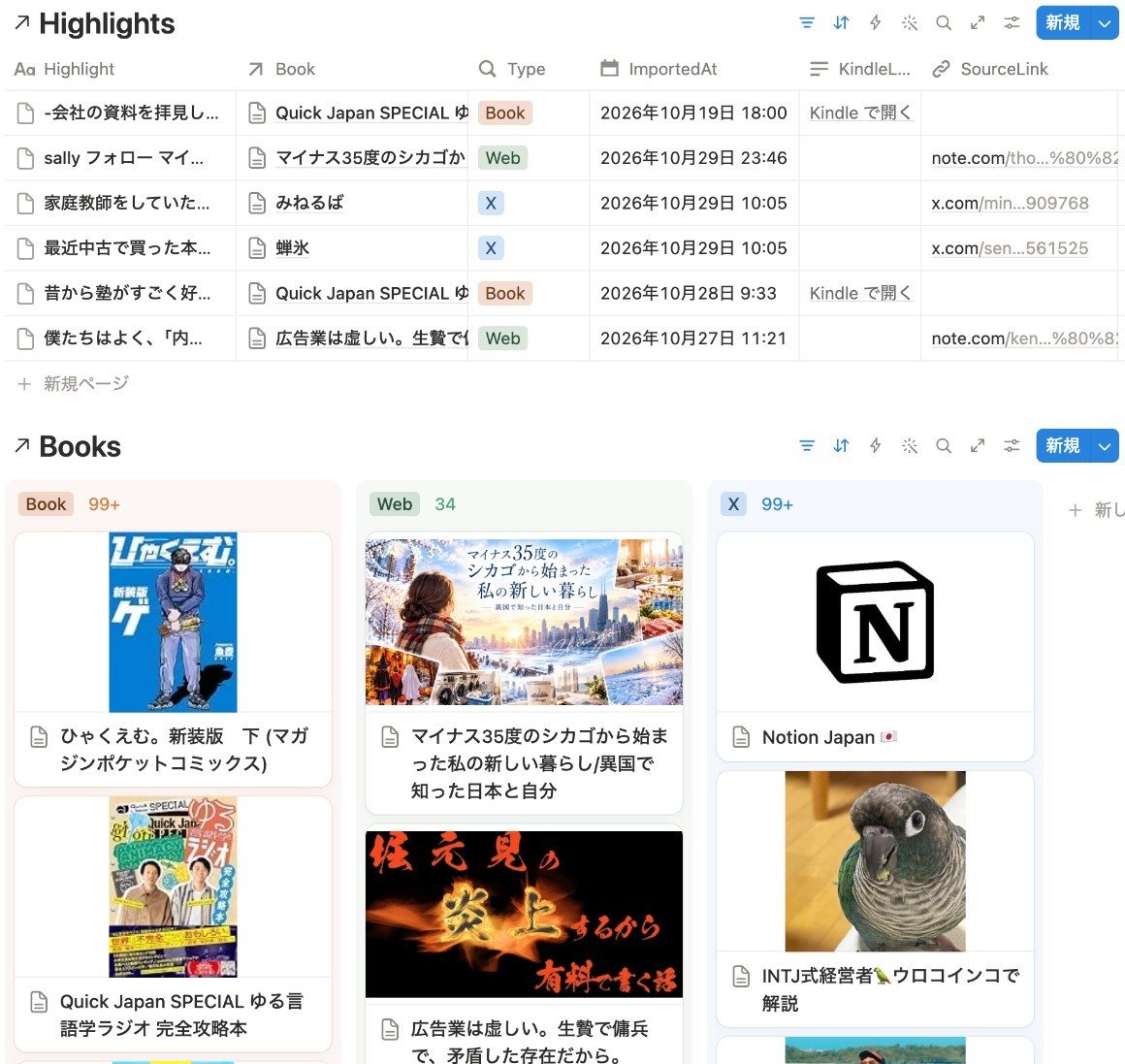
Your own reading database in Notion
BookNotion writes your books and highlights to two Notion databases automatically.
- No setup
- Follow the steps on screen. No database design, no integration settings.
- Books and highlights
- A list of books, plus one row per highlight. Filter and sort them like any Notion database.
- Back to that page in Kindle
- Open in Kindle opens the Kindle app on your computer at that page (BookNotion Kindle Opener for Mac and Windows).
What readers say
A video interview of a user of a service I frequently use has been created. This is especially recommended for those who read on Kindle 😊 【The Science of Sales/Unbeatable Sales by Koichi Takahashi】 Discussing the divine features of BookNotion Z as a user / Reading Management Techniques

I was wondering if there was a way to manage my Kindle reading notes in one place and process them with AI to deepen my understanding... Then I discovered 'BookNotion,' a divine app! It automatically saves reading notes → uses Notion AI to organize and develop thoughts. This is too good! It might revolutionize the reading experience...

Even for books that left a great impression on me, I often forgot their content, which I found regrettable. Now, I save highlighted or tabbed sections from both Kindle and paper books in BookNotion for easy search later. It helps me organize my thoughts and transforms my reading experience! Plus, since I save only the words that moved my heart, revisiting them always makes me feel emotional.

For anyone who reads with Kindle, this is a must-have tool. It lets you create a treasure trove of wisdom by summarizing passages that resonate with you.

Thanks to BookNotion Z, my approach to reading on Kindle has changed. Specifically, I now highlight a broader range of text. Previously, I only highlighted single, impactful sentences, but after using this app, I now include entire contexts. Simply receiving the highlighted sections via email makes it incredibly useful.

Kindle Unlimited and BookNotion Z each cost around 1,000 yen. It's amazing that for the price of one book, you can have unlimited reading and stress-free database management. What an era to live in 📕

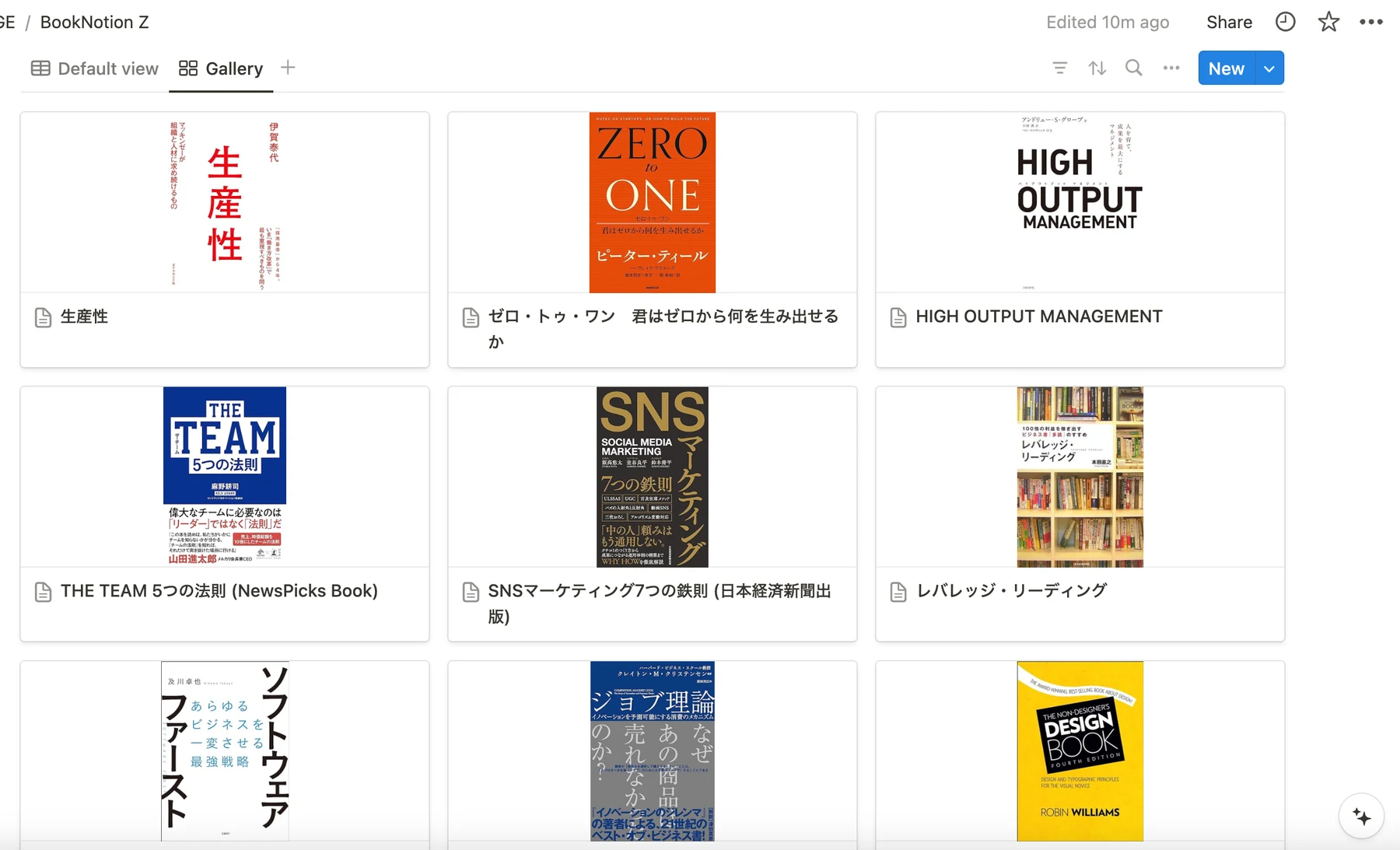
Tried BookNotion Z, a service that automatically syncs text highlighted on Kindle to Notion. It's amazing! The Notion database is beautifully synced. Switching to 'gallery view' even allows you to see book covers. All you need is to install the dedicated Chrome extension and leave your PC running—it syncs automatically every hour.

With BookNotion Z, I find the feature to receive a daily random highlight email at a specified time extremely helpful. It's a cycle of knowledge accumulation that's hard to achieve with paper books.

BookNotion is too good to recommend enough! It automatically compiles highlighted sections from Kindle to Notion, so you no longer need to manually keep reading records. The feature to randomly send highlights via email is also divine!

Pricing
Importing and viewing highlights is free.
Export to Notion and customizable reminder emails are available with the Z Plan.
Free Plan
Recommended for those who want to try it out first
- Automatic import of Kindle highlights (Chrome extension, iPhone/iPad/Android app)
- Monthly reminder email
- Page Scan (save from paper books, manga and screenshots): 5 per month
- Saving web highlights (Safari extension): 5 per month
Z Plan
Or $79.99 per year (about $6.67/month). Tax included. 7-day free trial. In Japan: ¥1,000/month or ¥9,600/year.
Recommended for those who want to manage their reading in Notion and maximize their reading experience
- Export to Notion (books and highlights databases)
- Customization of reminder notification emails
- Page Scan and web highlights (unlimited)
- Importing X bookmarks (once a day)
- Migration of data from the earlier BookNotion app
Two ways to start
On iPhone, iPad or Android
Get the app and sign in to Amazon. No account needed to start.


On a computer
Sign up on the web and add the Chrome extension to import every hour.
Frequently asked questions
- What can I do for free?
Automatic import and viewing of Kindle highlights are free, and you get a monthly reminder email. Page Scan (snap a paper book page or a screenshot and save highlights; you can also type text in) and saving web article highlights are each free for up to 5 a month. Export to Notion, customizable reminder emails, importing X bookmarks, and unlimited Page Scan and web highlights are Z Plan features.
- Do I need a PC?
No. In the iPhone, iPad or Android app, just sign in to Amazon to import your highlights (they are imported when you open the app). With the Chrome extension on a PC, highlights are imported fully automatically every hour.
- Is signing in to Amazon safe?
The app opens Amazon's official Notes and Highlights page and reads only your own highlights. Your password is never sent to BookNotion.
- How are highlights saved in Notion?
With the Z Plan, two databases are created, one for books and one with a row for each highlight, and highlights are exported automatically. You can connect on the web or in the mobile app (iPhone, iPad and Android).
- Can I save figures or highlights from paper books?
Automatic import does not include figures. You can add figures and highlights from paper books using Page Scan, on the web and in the mobile app. Without the Z Plan you can add up to 5 a month; the Z Plan has no limit.
- Can I save Kindle books I can’t highlight, or manga?
Yes. Take a screenshot in the Kindle app on your phone or tablet and share it to BookNotion, and Page Scan opens. Trace the text for books, or pick a panel or the whole page for manga. Without the Z Plan, up to 5 a month.
See all questions If you have any questions or requests, please feel free to contact us. Contact Us
Keep what you read for the next you
Importing and reviewing Kindle highlights is free.